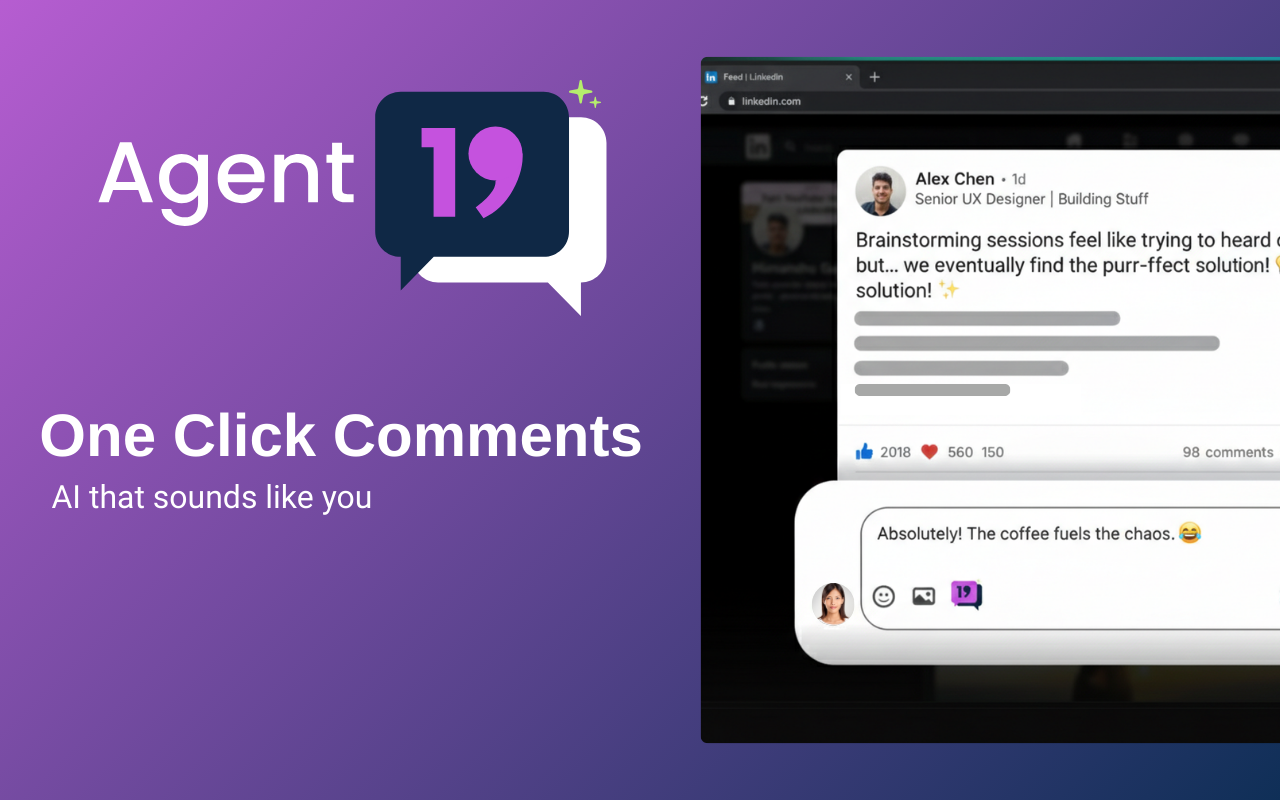
AI that sounds like you. 13 tones, thread-aware replies, and full control over every detail.
✨
Click the Comment Button
Scroll through LinkedIn like always. See a post worth commenting on? Click the Agent19 button next to the comment box.
⚙️
AI Reads the Context
Our AI reads the post, the author, and even the comment thread. It understands the full context before writing.
⚡
Comment Gets Inserted
A human-sounding comment appears in the box, ready to post. No copy-pasting. No tab switching.
Not just another AI comment generator. Agent19 understands context, threads, and your personal style.
🎨
13 Tones of Voice
From Excited and Supportive to Witty, Academic, and even Contrarian. Match your voice to every situation.
📏
5 Length Levels
Supershort (10 words) to multi-paragraph. You control exactly how much you want to say.
💬
Thread-Aware Replies
Replying to a comment? Agent19 reads the parent comment and generates a reply to that, not just the original post.
❓
Open-Ended Questions
Automatically end comments with a genuine question to spark further discussion and boost engagement.
👋
Mention the Author
Optionally include the post author’s name for a personalized touch that strengthens the connection.
🌍
Reply in English
Commenting on a post in another language? Force your reply in English with one toggle.
✂️
Keep Replies Short
When replying in threads, keep it tight — 10 words max. Perfect for fast, natural back-and-forth.
🙏
Own-Post Acknowledgments
Someone commented on your post? Generate a quick thank-you without over-engaging. Stay gracious, stay moving.
😀
Emoji Control
Toggle emojis on or off. When on, they’re placed naturally — never forced or excessive.
Some of the most common questions we get asked. If you have a question that isn't answered here, feel free to email us at support@actiotech.com
13 tones, thread-aware replies, and every toggle you need. Install the extension and start growing on LinkedIn in one click.
Get Started→Agent19
AI-powered comments for LinkedIn
© 2026 Agent19. All rights reserved.